Serialised component tracking: connecting installation, life limits and evidence
Two entries in a helicopter's component list may have the same description. Designations and serial numbers distinguish the items, but life tracking also needs history: which component is installed, when it was installed, the values accepted at installation and the supporting document.
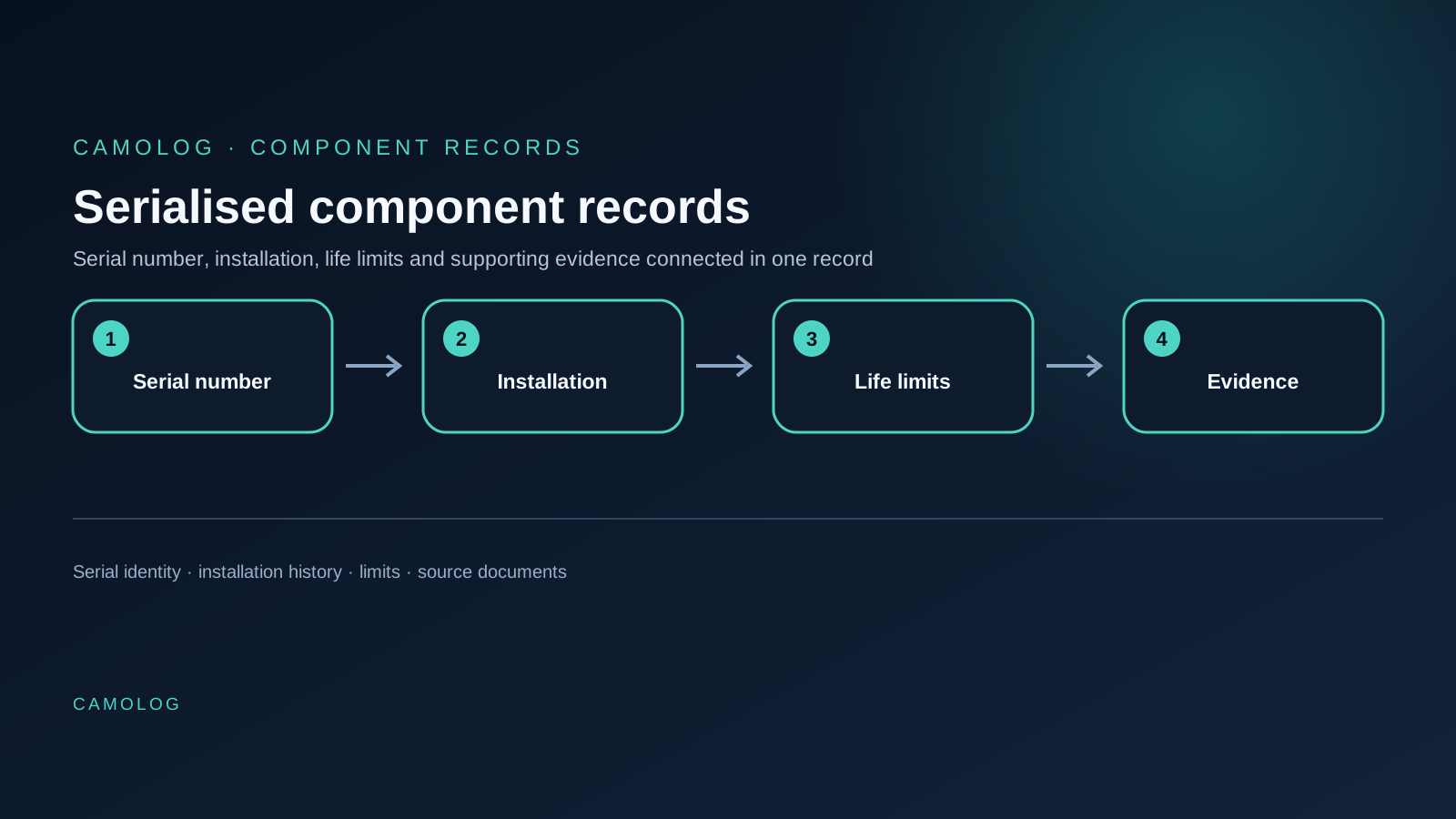
Serialised tracking connects this information to an individual component. In CAMOLOG, component records belong to the selected aircraft and are used alongside limitations, documents and replacement information. The following checks apply during migration and routine work.
Russian records may use СНЭ and ППР for values since entry into service and since the last overhaul, respectively. Preserve those meanings and their units when handling component data. A component record connects the values to the individual item and the evidence used to check its life limits and calendar limits.
Identify the individual component
Start with the description, designation and serial number. In a training example, two similar components have had their documents attached the wrong way round. The list looks complete, but comparing the serial number in each record with its document reveals the error.
An unclear character must not be reconstructed from a neighbouring row or an assumed numbering pattern. Obtain a legible copy or other evidence. Keep the question open until then, particularly when older spreadsheets contain shortened serial numbers.
Designation matters too. Similar names do not establish identical document applicability. The engineer reviews the installed configuration and the relevant basis. One universal form cannot establish the full required configuration for every aircraft.
Connect installation to the aircraft
A component has its own history. Installation links that history to a particular aircraft. Its accumulated values therefore cannot automatically be equated with the helicopter's total flight time.
Review time since new and time since overhaul where applicable. Each value needs an effective date and source. Different starting points can produce different numbers without an error; establish what the columns mean before comparing them.
During a CAMOLOG demonstration, ask to follow a training component from its identity to its limitations and documents. Walk through the sequence you would use when reviewing the actual component list.
Check the basis of each limitation
A component may have hourly and calendar limitations, or another applicable counter for a particular task. Review each separately: what is counted, the starting event, the source and the item to which it applies.
A practical review sequence is:
- Establish the document’s association with the item and its applicability.
- Check the counter and units.
- Locate the opening accumulation or start date.
- Compare the system value with the source.
- Check whether an equivalent task already exists elsewhere.
The displayed remaining value is the end of that chain. If the opening date or accumulation remains uncertain, the accuracy of the result has not been established. Rounding cannot improve the underlying evidence.
Distinguish replacement from a correction
Consider two training situations. In one, a serial number contains a typing error and the installed item is unchanged. In the other, one component was removed and another installed. These represent different actions with different supporting evidence.
A CAMOLOG replacement uses the date, new serial number, accumulated values and reason, with selection from stock where applicable. Documents must relate to the event and individual item. Simply overwriting the previous serial number can mix two histories.
Removal also differs from correcting an erroneous installation record. First describe what actually happened and which document supports it. Then choose the operation that represents that event.
Attach evidence to the correct item
An archive stores files, but reviewing a component requires its supporting record to be identifiable. The individual serial number, document reference and relevant pages matter. A filename such as “new record” makes that task harder.
Where a document contains several entries, identify which one supports the event being reviewed. Scan and upload dates may differ from overhaul, installation or completion dates. Each retains its own meaning.
Frame one specific question for a disputed item, such as confirming the installed serial number from a legible page. Keep the decision and evidence connected to that item. A general discussion of the entire component list makes the chain harder to reconstruct.
Accepting the opening component list
The administrator prepares the onboarding draft. Spreadsheet import helps transfer rows; the engineer then checks components and related data. Hidden Excel areas are excluded from the preview, so their relevance must be established beforehand.
Do not assess readiness by row count alone. Check that individual items are identified, limitations have a basis, documents are accessible and discrepancies remain recorded as questions. The wizard requires each component to have at least one confirmed life limit, calendar limit or additional limitation.
A changed package is submitted as a new version for review. Approval of an earlier row does not automatically confirm a new serial number or replacement file.
What to request during a demonstration
Follow one history: open a component, inspect its limitation source, review the document and examine the replacement process. Then establish which roles make decisions and where the evidence remains.
This gives a practical basis for assessing CAMOLOG. The first demonstration uses test information. Describing your list structure and document types is sufficient to begin discussing onboarding; the real archive follows an agreed transfer process.
This article describes a records workflow. Applicability, maintenance limits and airworthiness decisions require engineering review against the applicable documentation.
See the workflow in action
Discuss your source package and see how CAMOLOG organises the work.
Request a demo